
MockGPS
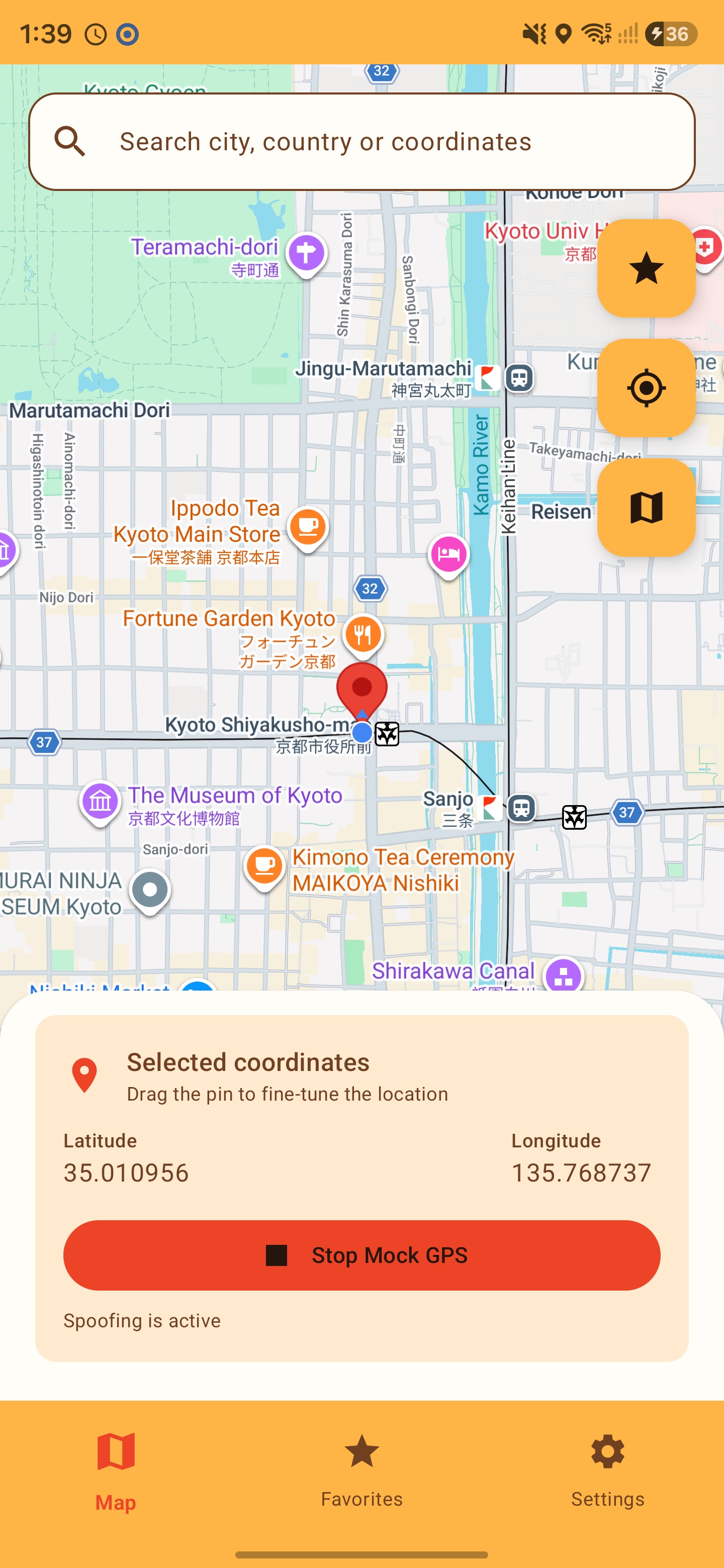
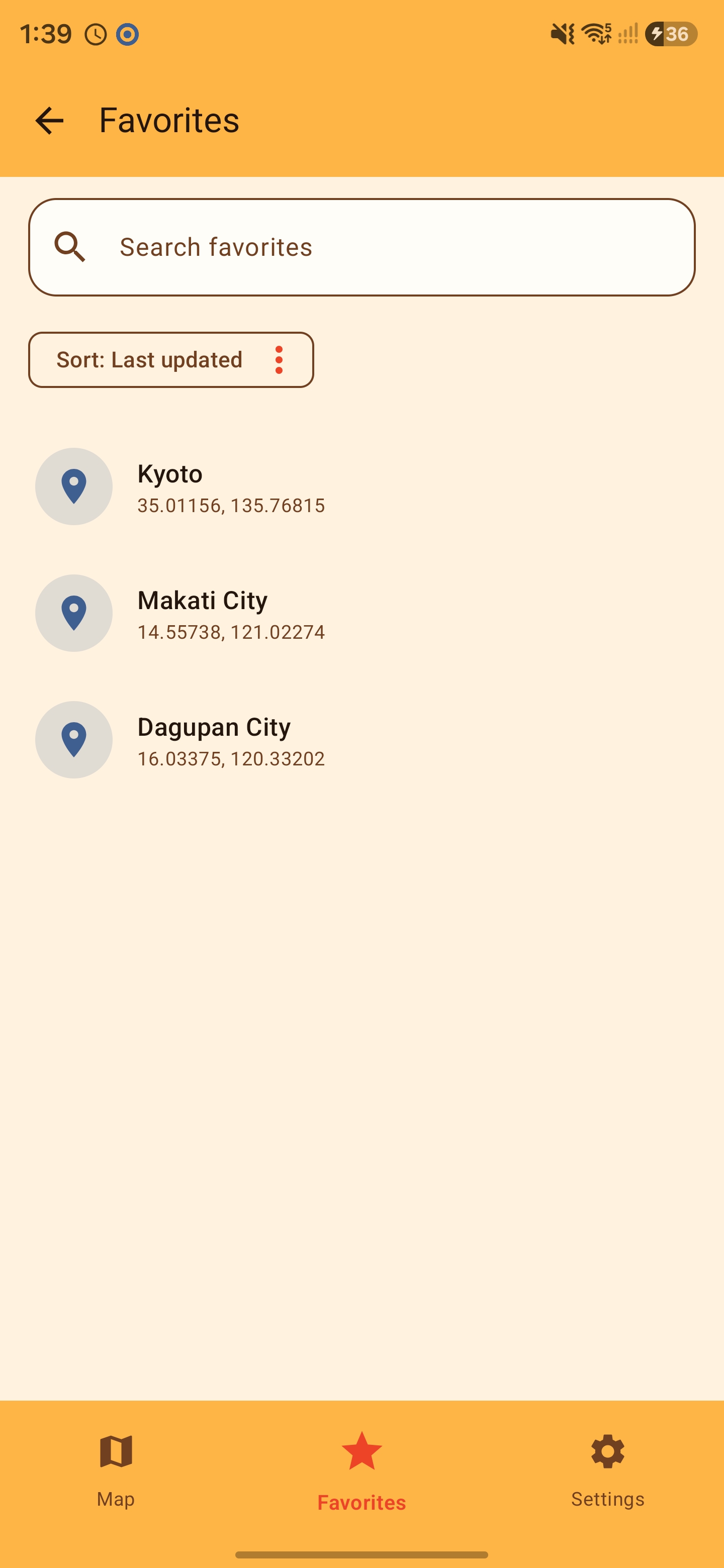
MockGPS is a simple and direct Android tool for selecting, setting, and testing mock GPS locations. Search for a city, country, or coordinates, or drop a pin on the map and drag it to fine-tune your destination. Save your favorite places and publish a selected location through Android's mock-location feature.
 Get it on Google Play
Getting started
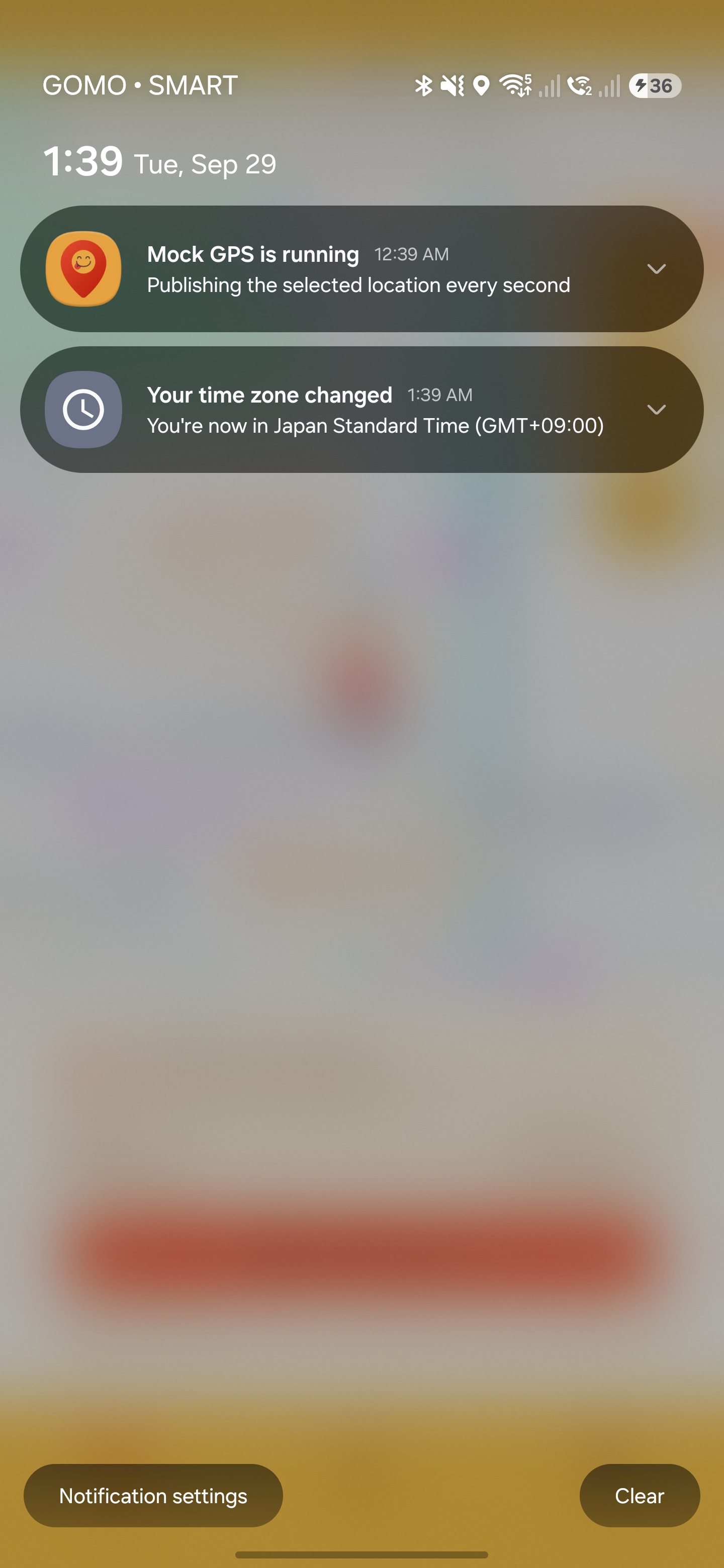
MockGPS supports Android 8.0 and newer. Follow the in-app setup guide to grant the required permissions, enable Developer Options, and select MockGPS as your mock location app. Choose a destination, then tap Start MockGPS. You can pause or stop the session from the notification, or stop it from the app.
The app publishes one static location at a time. Other apps may detect or reject mock locations, and changing GPS coordinates does not change your IP address.